
My Patterns - Pocoyo0.0.2 - Get APK
You'll be able to download in few seconds.
Publisher Description
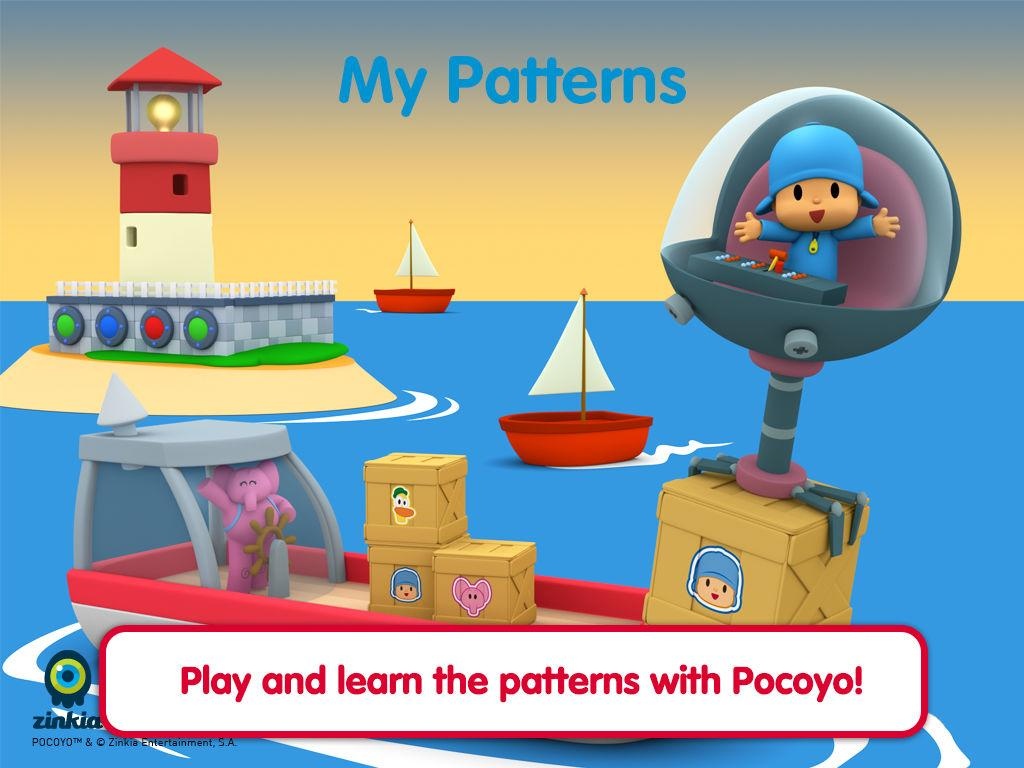
Pocoyo Playset Patterns is a fun and engaging educational application which helps kids learn how to identify, describe, extend and create patterns through playing with the variety of games and activities included.
The fun begins as children identify a pattern and extend it by finding the next piece in the sequence. Fun continues as the children use their memories to duplicate a sequence shown to them, then create their own patterns by “painting” figures of Pocoyo and his friends by using a special paint roller guided by their fingers! The skills developed in this app are the basis of learning higher level math, such as algebra.
With the support of this unit children will:
• Describe, extend and create repeating and growing patterns by attributes, such as color, shape or size.
• Learn and use mathematical language related to describing, duplicating, extending, and creating simple patterns.
• Build fluency in oral English
Enjoy watching your children learn and have fun!
Co-created in partnership with Hispanic Information and Telecommunications Network, Inc.
About My Patterns - Pocoyo
The company that develops My Patterns - Pocoyo is Zinkia Entertainment, S.A.. The latest version released by its developer is 0.0.2.
To install My Patterns - Pocoyo on your Android device, just click the green Continue To App button above to start the installation process. The app is listed on our website since 2016-12-22 and was downloaded 0 times. We have already checked if the download link is safe, however for your own protection we recommend that you scan the downloaded app with your antivirus. Your antivirus may detect the My Patterns - Pocoyo as malware as malware if the download link to air.com.zinkia.playset.Math03 is broken.
How to install My Patterns - Pocoyo on your Android device:
- Click on the Continue To App button on our website. This will redirect you to Google Play.
- Once the My Patterns - Pocoyo is shown in the Google Play listing of your Android device, you can start its download and installation. Tap on the Install button located below the search bar and to the right of the app icon.
- A pop-up window with the permissions required by My Patterns - Pocoyo will be shown. Click on Accept to continue the process.
- My Patterns - Pocoyo will be downloaded onto your device, displaying a progress. Once the download completes, the installation will start and you'll get a notification after the installation is finished.
Program Details
System requirements
Download information
Pricing
Version History
version 0.0.2
posted on 2016-12-22
Disclaimer
External Download
We do not host My Patterns - Pocoyo on our servers. We did not scan it for viruses, adware, spyware or other type of malware. This app is hosted by Galad and passed their terms and conditions to be listed there. We recommend caution when installing it.
The APK Download link for My Patterns - Pocoyo is provided to you by apps112.com without any warranties, representations or guarantees of any kind, so access it at your own risk.
If you have questions regarding this particular app contact the publisher directly. For questions about the functionalities of apps112.com contact us.
